A wardrobe for every character.
Extract the full look and each piece from one photo. Save the board by project and character.
New accounts get 20 credits for one extraction.
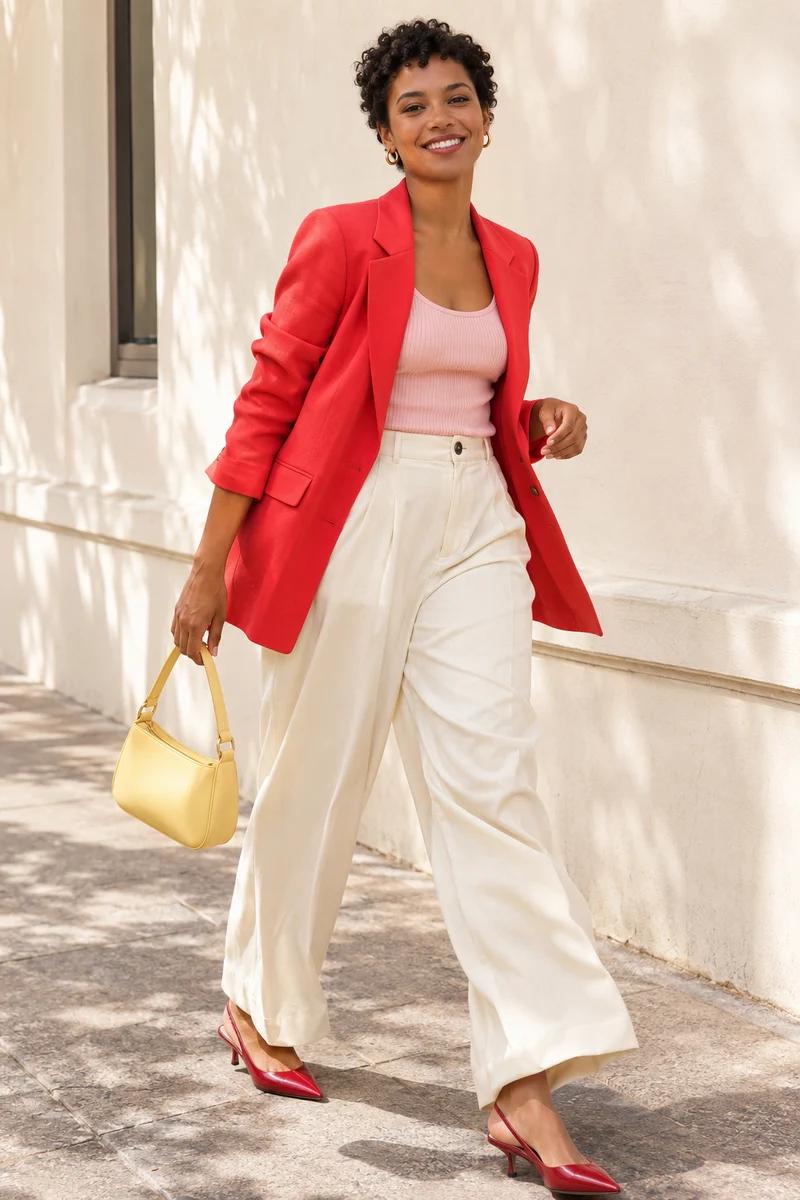
Get your first board with welcome credits
Upload a single-person outfit photo and get the board in one step.
New accounts receive 20 credits. Extraction costs 20 credits and starts after sign-in.
Details that bring characters to life
From collar embroidery to leather grain, zoom in on the reference photo and outfit board side by side.
Use the same look in your next scene
Full look and pieces on one board
See how the pieces fit together, then inspect each one on its own.
Crop the piece you need
Use a garment or accessory as a reference for your next scene.
Find a look by character
Save boards to a project and assign them to a character.
Questions
- What exactly do I get?
- A 3:2 PNG with the full look on the left and individual pieces on the right. AI may fill in hidden details.
- How do I use an outfit board across AI video shots?
- Use the same board as a wardrobe reference for each shot when your image or video tool accepts reference images. Compare the output against the board for changes in color, layers, shoes, and accessories. Results vary by tool and shot.
- What does it cost?
- New accounts receive 20 credits, enough for one extraction. Every extraction costs 20 credits. Credits settle on success and are released on failure.
- How can I save a board?
- Download the PNG or save the board to a project and assign it to a character.
- How is my upload used?
- Your reference stays private and is sent to the AI provider to generate the board.